How to Trim Video Online: The Best Video Trimmers in 2026
For a quick one-off trim with no install, use Clipchamp, VEED.io, or CapCut Web — all free. For trimming with AI moment selection (paste a long video, get many trimmed clips out), use OpusClip or Vizard. For local trimming, CapCut and iMovie both export trimmed clips in seconds.
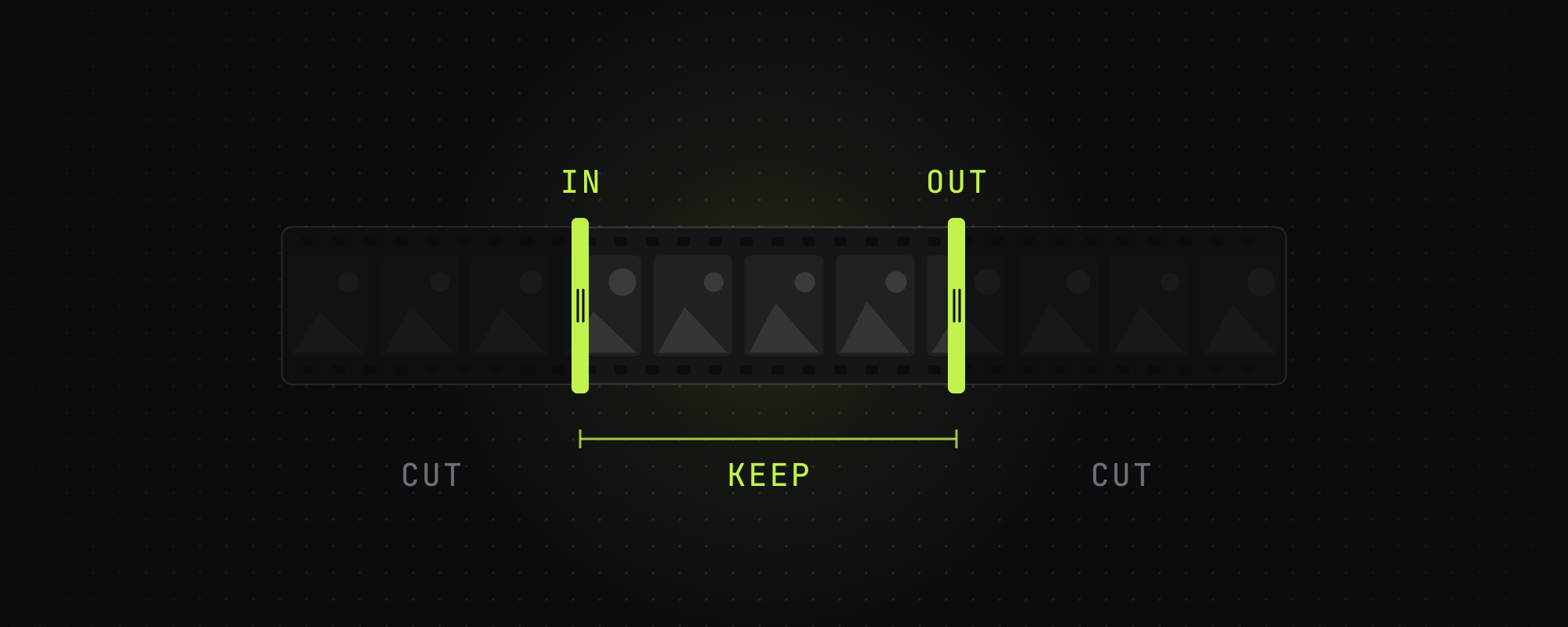
A video trimmer cuts the unwanted start and end (and optionally middle) off a video file without re-encoding the parts you keep. The category has split into three branches in 2026: one-off browser tools for quick trims, full editors that trim alongside other features, and AI video clipping software that automatically trims a long-form video into many short clips.
This is the working comparison across all three categories, with the right pick for each common use case.
Best video trimmers at a glance
| Tool | Type | Free tier | Best for |
|---|---|---|---|
| Clipchamp | Browser (Microsoft) | Yes, 1080p, no watermark | Windows users, quick web trims |
| VEED.io | Browser | Watermarked, 720p, up to 10 minutes | One-off trims with extra editing |
| CapCut Web | Browser + desktop + mobile | Yes | Cross-device project sync |
| Kapwing | Browser | Watermarked, 720p, up to 4 minutes | Collaborative quick edits |
| Online Video Cutter | Browser | Yes, simple | Pure trim, no extra features |
| CapCut desktop | Native app | Yes, full | Most users, no platform restrictions |
| iMovie | Native (Apple only) | Yes | macOS / iOS quick trims |
| OpusClip | AI clipping | 60 min/mo | Auto-trim long videos into many clips |
| Vizard | AI clipping | Watermarked | Team-based AI trimming workflow |
Best for: one-off trim, no install
If you have a video file and you just want to cut off the start and end and download the result, the right answer is whichever browser tool you can sign into fastest. The three best:
- Clipchamp: preinstalled on Windows 11 and free in the browser at clipchamp.com. The free plan exports up to 1080p with no watermark. Microsoft-owned. Cleanest UI for a pure trim.
- VEED.io: browser-based, and the free plan watermarks exports at 720p and up to 10 minutes long. Adds caption and subtitle features alongside trim.
- CapCut Web: browser version of CapCut, free, with no watermark unless a template's ending clip or a premium asset adds one, and projects sync to the mobile and desktop apps. Best if you'll want to refine the edit later.
Browser-based trimmers can be slow with large files because the video has to upload before trimming. For source files over a couple of gigabytes, CapCut desktop or iMovie is faster.
Best for: trim plus light editing
If you're trimming and you'll also add captions, change the aspect ratio, layer audio, or apply effects, you want a real editor instead of a pure trimmer. The two best free options in 2026:
- CapCut (desktop, mobile, or web). Free, full-featured, dominant in short-form. Trim is one of dozens of features. See Best Free Video Editing Software in 2026 for the broader CapCut picture.
- iMovie. macOS / iOS only, free, simple. Adequate for trimming plus basic captions and audio.
Best for: auto-trim a long video into clips
If you have a long-form video (podcast, webinar, livestream, interview) and you want many short trimmed clips out of it, you don't want a video trimmer — you want an AI video clipping tool. These tools transcribe the source, score segments for likelihood of working as short-form, and produce trimmed clips with captions and reframing in a single pass.
- OpusClip: 60 min/mo on the free tier with a watermark. Its help center says a 30 to 60 minute video gives 23 to 32 clips.
- Vizard: 60 min/mo on the free tier, exported at 720p with a watermark. A shared team workspace comes with its Business plan at $39 a month.
- Klap: priced by the clip, from $29 a month for 100 clips. Its pricing page lists no free plan.
- Submagic: built around captions. Plans start at $19 a month, and the free trial covers 3 short videos.
For the full comparison, see OpusClip vs Submagic vs Vizard vs Klap and The Best AI Video Clipping Tools in 2026. For an explanation of how these tools actually work, see Auto Video Editor: How AI Editors Actually Work.
How to trim a video online for free (step by step)
- Open Clipchamp (clipchamp.com) or CapCut Web (capcut.com).
- Drag your video file into the timeline. Wait for the upload bar to finish.
- Click the start of the timeline. Drag the trim handle to where you want the video to start. Repeat for the end.
- (Optional) Split the middle by clicking where you want to cut, then trim the section out.
- Click "Export" or "Download." Pick a resolution (Clipchamp's free plan goes up to 1080p). Wait for the encode.
- Save the downloaded file. Done.
The trim itself is close to instant, and most of the wait is the upload, the encode and the download.
What to look for in a video trimmer
- No watermark on free output. Kapwing and VEED.io watermark free exports until you upgrade.
- Frame-accurate trimming. Some lightweight tools snap to keyframes, which means you can only cut every few seconds. Real editors let you cut at any frame.
- Re-encoding control. The best trimmers can do lossless trims (cutting at keyframes without re-encoding) when possible, saving quality and time.
- Multiple output aspect ratios if you'll repost across platforms.
- Caption generation if you're posting to short-form, so viewers can follow along with the sound off.
Video trimmer vs video clipping software
These terms are sometimes used interchangeably but they refer to different categories. A video trimmer is a tool that cuts unwanted portions off a single video. Video clipping software (in the modern AI-powered sense) takes a long-form source and produces many short clips with captions, reframing, and platform-tuned exports. The 2026 use of "clipping" implies the AI-driven version.
For the broader picture of what video clipping is — and the workflow distinct from simple trimming — see What Is Video Clipping? A Complete Guide for 2026.
Frequently asked questions
How do I trim a video online for free?
Open Clipchamp (clipchamp.com), CapCut Web (capcut.com), or VEED.io in your browser. Upload the video, drag the trim handles to set the start and end points, then export. Clipchamp's free plan exports up to 1080p with no watermark, and CapCut adds none unless a template's ending clip or a premium asset does. VEED watermarks free exports and caps them at 720p.
What is the best free video trimmer?
Clipchamp for pure online trimming with no watermark. CapCut for trim plus light editing across web, desktop, and mobile. For auto-trimming a long video into many short clips, OpusClip's free plan gives 60 minutes a month at up to 1080p, with a watermark.
What is the difference between a video trimmer and video clipping software?
A video trimmer cuts unwanted portions off one video. Video clipping software (in the modern AI sense) takes a long-form source and produces many short clips with automatic moment selection, captioning, and reframing. The 2026 term "clipping" typically implies the AI-driven version.
Can I trim a video without losing quality?
Yes if the trimmer supports lossless trimming (cutting at keyframes without re-encoding). Most modern desktop editors (CapCut, iMovie, DaVinci Resolve) handle this when the cut points align with keyframes. Browser-based trimmers usually re-encode, which causes minor quality loss.
What is the best video clip maker?
For making short clips from a long source video, OpusClip and Vizard are the most capable AI tools. For making clips from scratch, CapCut is the dominant free option. "Clip maker" can also refer to GIF-style short loops, in which case Kapwing or VEED.io are common picks.
Sources
Every figure above traces to one of these. Where a source sells the thing it measured, we say so.
- 01OpusClip pricing · OpusClip, read October 15, 2026
- 02How many clips can I get? · OpusClip help center, read October 15, 2026
- 03Vizard pricing · Vizard, read October 15, 2026
- 04Klap pricing · Klap, read October 15, 2026
- 05Submagic pricing · Submagic, read October 15, 2026
- 06Does Submagic have a free trial · Submagic help center, read October 15, 2026
- 07Microsoft Clipchamp pricing · Microsoft Clipchamp, read October 15, 2026
- 08Create films with a video editor · Microsoft Support, read October 15, 2026Says Clipchamp comes preinstalled on Windows 11.
- 09VEED pricing · VEED, read October 15, 2026The free plan's limits are in the full feature table.
- 10Kapwing pricing · Kapwing, read October 15, 2026
- 11Is it possible to export videos from CapCut without a watermark? · CapCut help center, read October 15, 2026
Keep reading
What Is Video Clipping? A Complete Guide for 2026
Video clipping is the practice of cutting long-form video into short vertical clips for TikTok, Reels, Shorts, and X. Here is how it works in 2026.
The Best Free Video Editing Software in 2026
Honest comparison of the best free video editing software in 2026 — CapCut, DaVinci Resolve, iMovie, Shotcut, Clipchamp, and the AI-powered free tiers.
The Best AI Video Clipping Tools in 2026
Nine AI clipping tools compared on price, limits and how each picks moments, from OpusClip and Vizard to Reap, Klap and Submagic. Checked October 15, 2026.
Auto Video Editor: How AI Editors Actually Work in 2026
What an auto video editor does, how AI editing models work in 2026, and which automatic video editors actually produce usable output.